
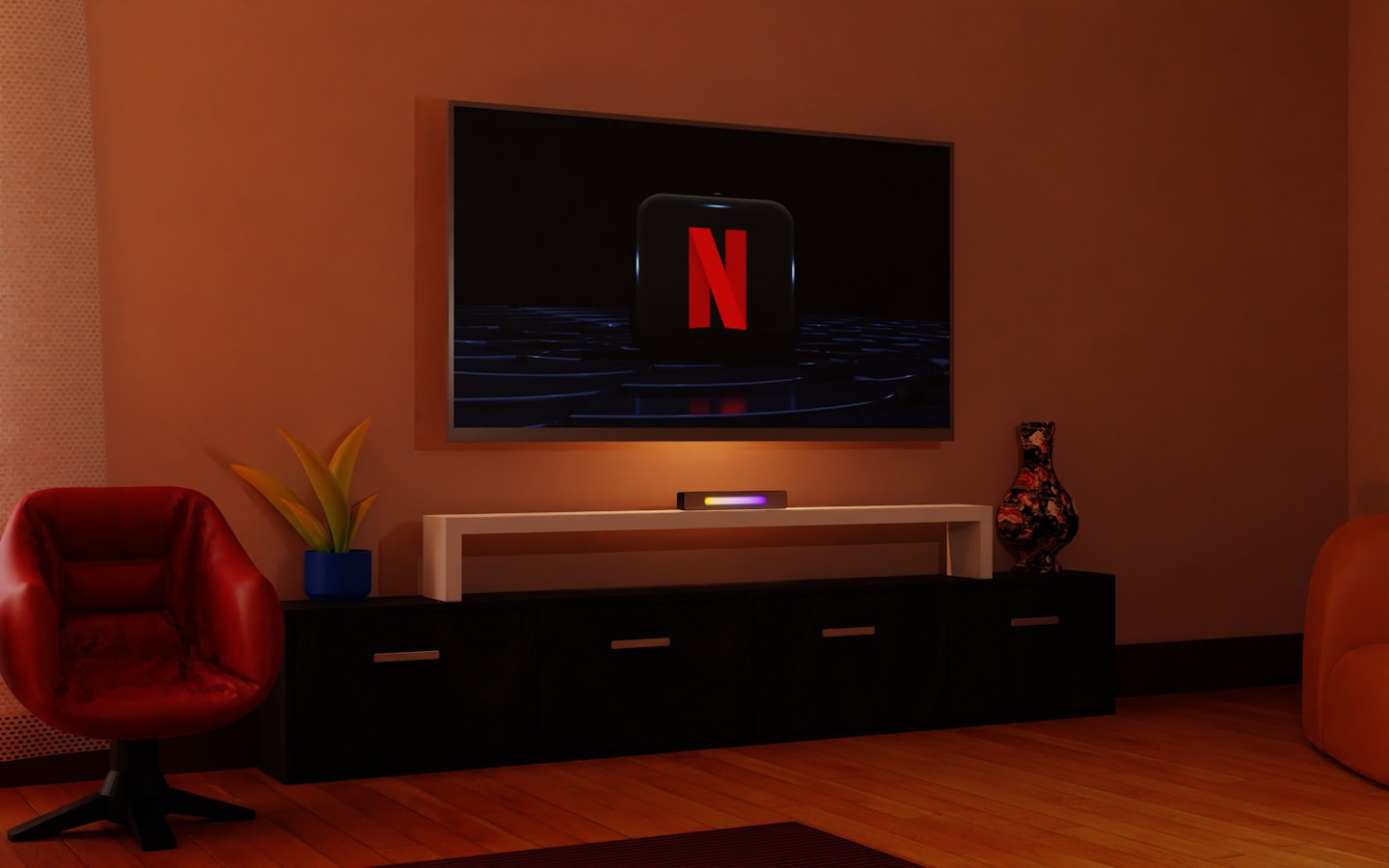
Premium Streaming Made Simple
Find clear instructions here on how to get started with your vSeeBox setup and support.
What devices are compatible with vSeeBox?
vSeeBox works with any TV that has an HDMI port, turning it into a smart media hub.
Do I need a subscription to use vSeeBox?
No subscriptions are required; enjoy access to thousands of free and paid apps without extra fees.
How do I set up the vSeeBox for the first time?
Simply plug in the device, connect to Wi-Fi, and follow the on-screen setup wizard to start streaming.
Can vSeeBox stream in 4K resolution?
Yes, vSeeBox supports high-resolution outputs including 4K for crisp and vibrant viewing.
Stream Thousands of Apps Instantly
Discover how vSeeBox combines cutting-edge hardware with Android TV OS to deliver unmatched streaming performance and user-friendly navigation.
Plug-and-Play Setup
Get started quickly with a simple, hassle-free installation process that requires no technical skills.
High-Resolution Output
Enjoy crystal-clear 4K visuals that bring your favorite content to life on any TV screen.
Continuous Software Updates
Stay up-to-date with regular enhancements ensuring optimal performance and new features.
Flexible Entertainment Hub
Access a wide variety of media and apps, customizing your viewing experience effortlessly.
How It Works with vSeeBox
Discover how to effortlessly set up your vSeeBox and unlock a world of streaming entertainment in just a few easy steps.
1
Step One: Plug & Play Setup
Connect your vSeeBox to any TV with HDMI, power it on, and enjoy a quick, user-friendly setup that gets you streaming instantly.
2
Step Two: Explore Your Apps
Navigate the intuitive Android TV interface to download and customize thousands of apps, tailoring your entertainment experience.
3
Step Three: Enjoy Premium Streaming
Stream in stunning high resolution and benefit from regular updates that keep your vSeeBox performing at its best.